Product
5 Min.
Flinn Word Plugin: Citations & Literature Reports in Word

Leon Javier Splitt
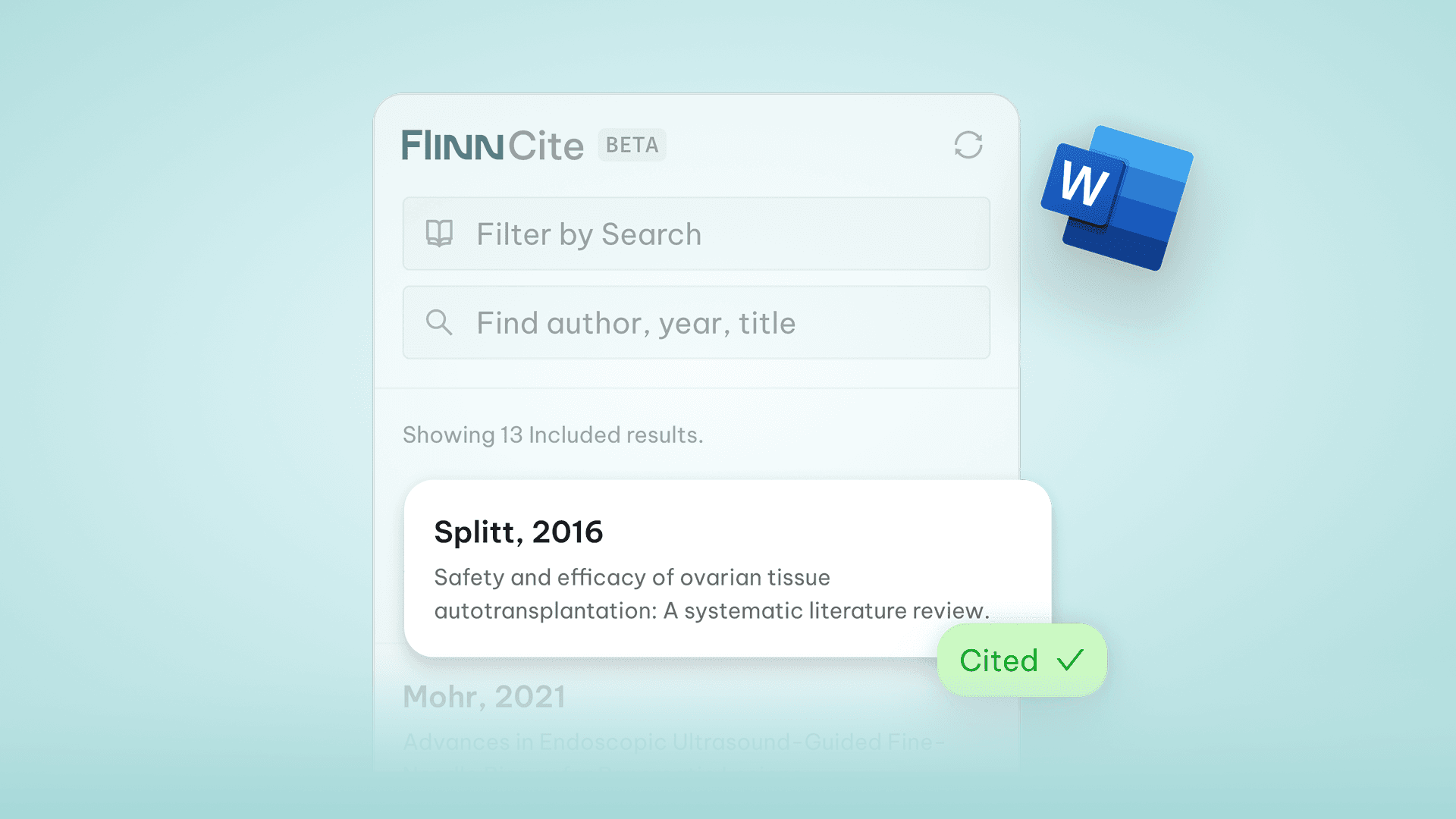
… Because managing citations shouldn’t be the hardest part of your report!
If you’ve ever written a clinical evaluation or PMCF report in Word, you already know this very particular pain: Endless scrolling, endless crashes, endless citation chaos.
You start with the best intentions aaaand then the plugin freezes, the library breaks, and somehow your citations disappear right before submission.
Sound familiar? Trust us, we’ve been there, too. (And maybe cried over a broken citation list once or twice.)
For years, the industry has been relying on tools like EndNote, Citavi, or Zotero. They’ve been around forever, but they were built for academic publishing, not for the complex, data-heavy world of MedTech literature reports.
The result?
Constant re-installs and local updates
Libraries scattered across personal folders
Endless imports, exports, and sync errors
Hours lost managing references instead of writing
And that pain? Multiply it by a hundred when you’re deep in 100-page CERs or annual PMS reports. (Again, we’re not ashamed to admit: tears were shed.)
Our Approach? Seamless, Cloud-Based, and Built for MedTech (And No More Crying!)
With the release of Flinn 3.0, we’ve reimagined how literature reporting should work, starting right where you spend most of your time: in Word.
The new Flinn Word Plugin connects directly to your Flinn Library and search results, giving you an integrated, cloud-based writing experience = no installs, no syncs, no imports.
Wait, what’s the Flinn Library again?
It’s basically your organization’s memory. Every relevant result you’ve ever marked in Flinn – every PDF, every RIS file – lives safely in one central place. No exporting, no importing, no syncing. Everyone in your organization can access the same sources (with permissions if needed). There’s no storage limit. No hidden walls. Just one secure, searchable Library that keeps your entire literature universe connected and ready to cite, anytime, right from Word.
Everything happens right inside Word:
Open your report
Access your Flinn search results in the sidebar
Insert citations with a single click
Automatically update references when new studies appear
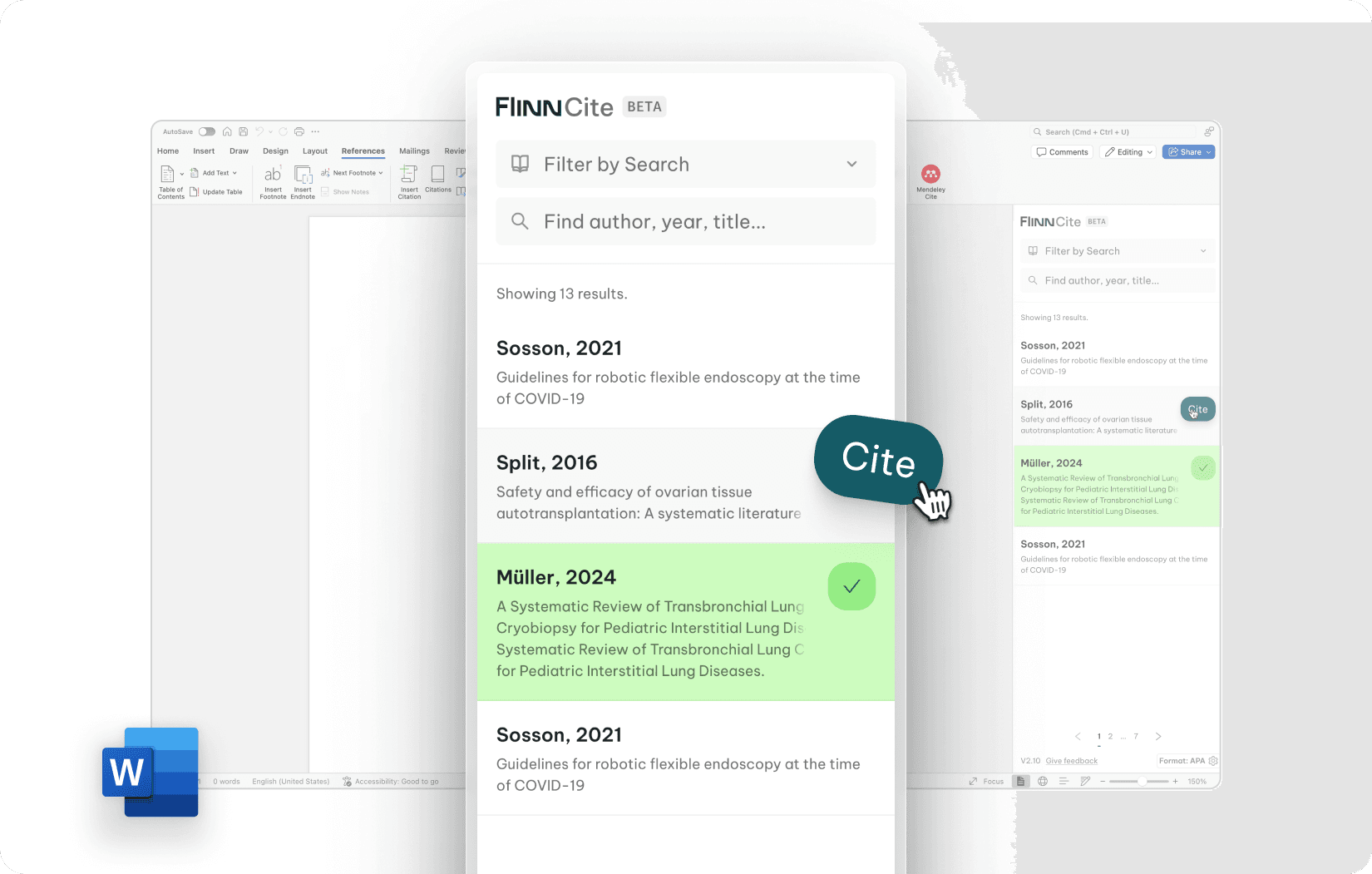
It may sound simple, but it changes everything: your citations are now live, synced, and directly tied to the literature that counts.
How It Works in Practice
Picture this: You’re writing your Literature Evaluation, CER, or PMCF report. On the right-hand side of Word, your Flinn Plugin displays all relevant publications – drumroll please – pulled straight from your Flinn search.
So, now you can:
Insert citations instantly
Combine multiple sources for a single statement
Add or remove new studies as your evidence base grows
No manual editing. No duplication. No chaos.
That’s especially useful for recurring reports like CER updates, PMCF evaluations, or annual PMS summaries, where evidence grows year after year.
Built for Collaboration and for Scale
The Flinn Library keeps all relevant literature (historical and new) in one place.
All results marked as relevant are instantly searchable
All historic uploads (RIS files, PDFs, etc.) are safely stored
Everyone in your organization can access the same data
Permissions can be defined where needed
No storage limits
That means no more personal EndNote folders or lost citations when someone leaves the company. Your organization’s evidence base lives in one secure, accessible environment.
Choose Your Citation Style Your Way
We know one size doesn’t fit all. That’s why Flinn supports all major citation styles: AMA, JAMA, APA, Numeric, and more.
Many users ask us which citation style works best. Here’s what we’ve learned:
APA is great for drafting, because seeing author names keeps context clear.
Numeric styles work best for final reports: clean, compliant, and easy to follow.
And switching between them takes just seconds!
From Siloed Tools to Seamless Workflows
Let’s say it loud and clear: quality work shouldn’t be slowed down by admin work. Too often, experts spend more time managing citations than analyzing data. We think that’s backward.
The Flinn Word Plugin was built with one purpose: to give time back to the people who care most about quality.
Let’s keep it simple: focus on your insights, your analysis, your impact, and leave the citation chaos to us!
Ready to make citation chaos a thing of the past?
Reach out and see how the Flinn Word Plugin can simplify your next report.
Contact us – we’d love to show you.